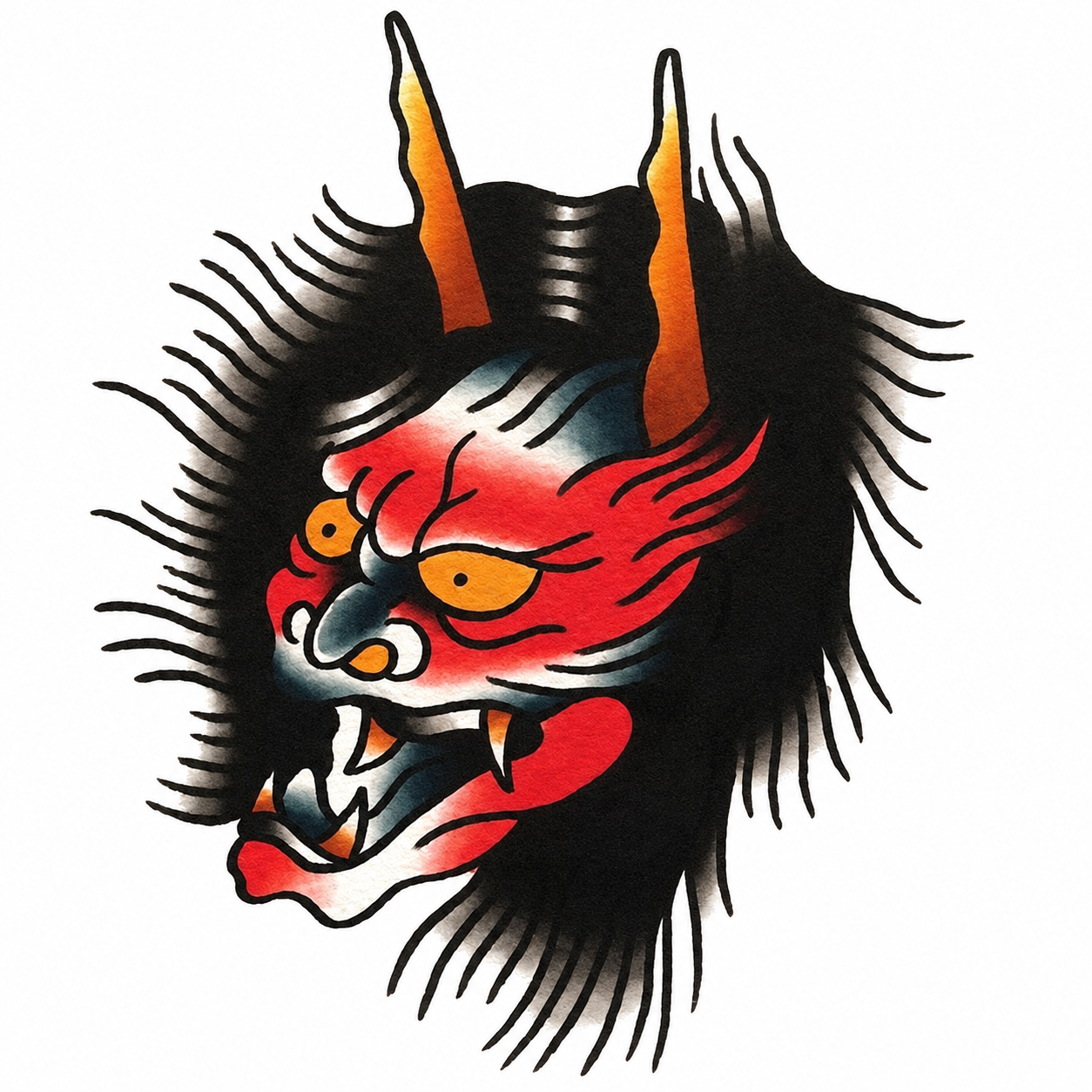
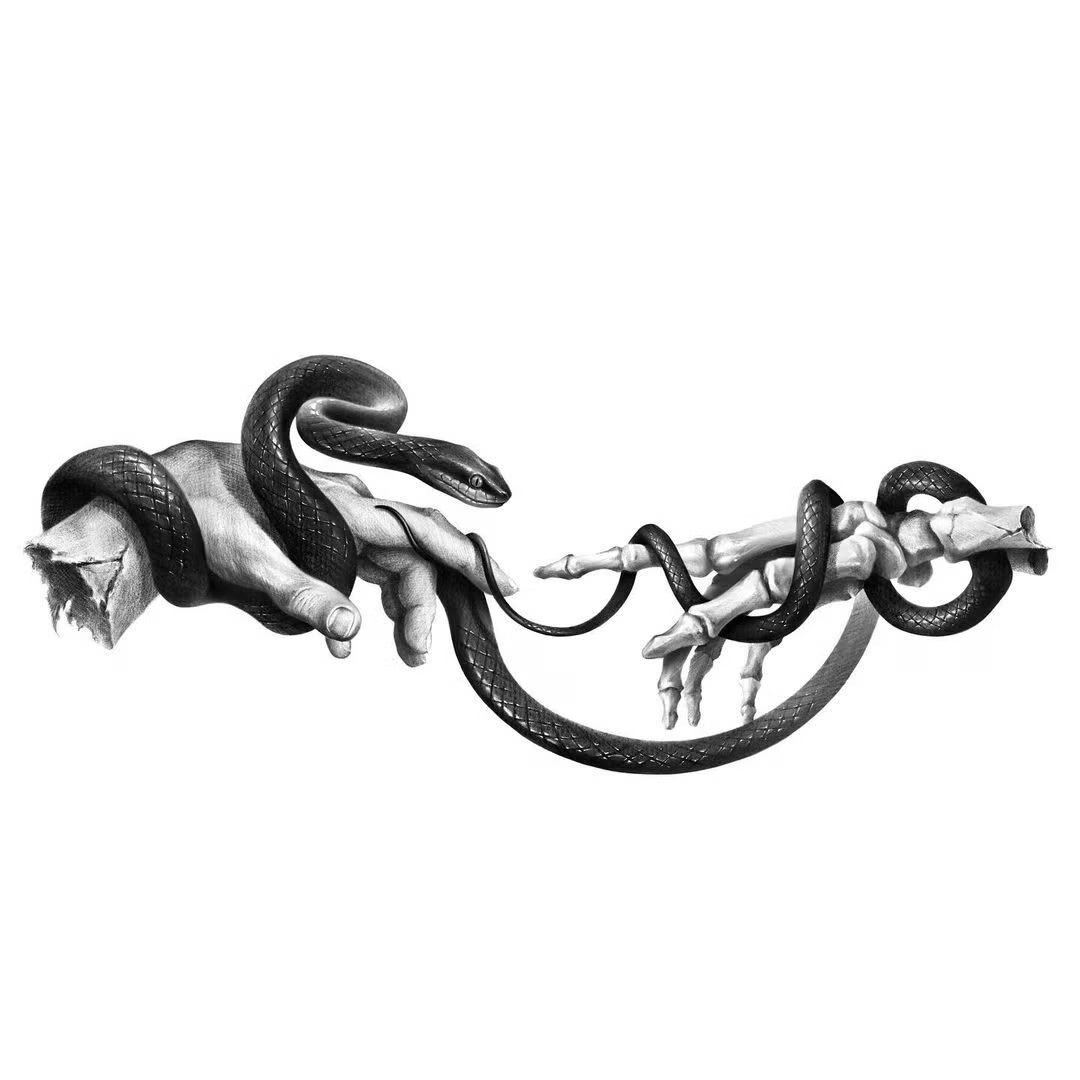
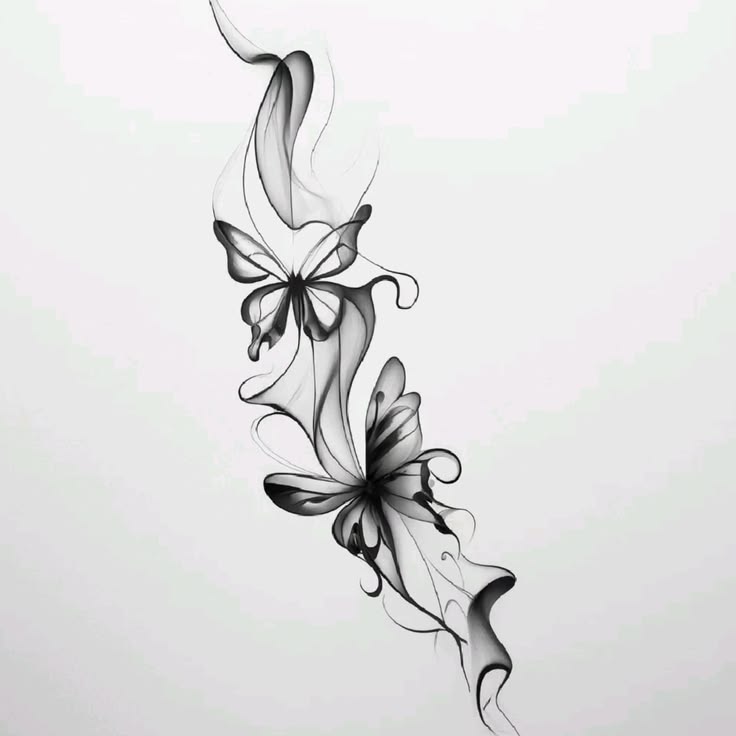
tattoo preview
See exactly how your tattoo looks on your skin before committing. Upload, place, and preview — in seconds. No sign-up required.
+ StartSession View
Result
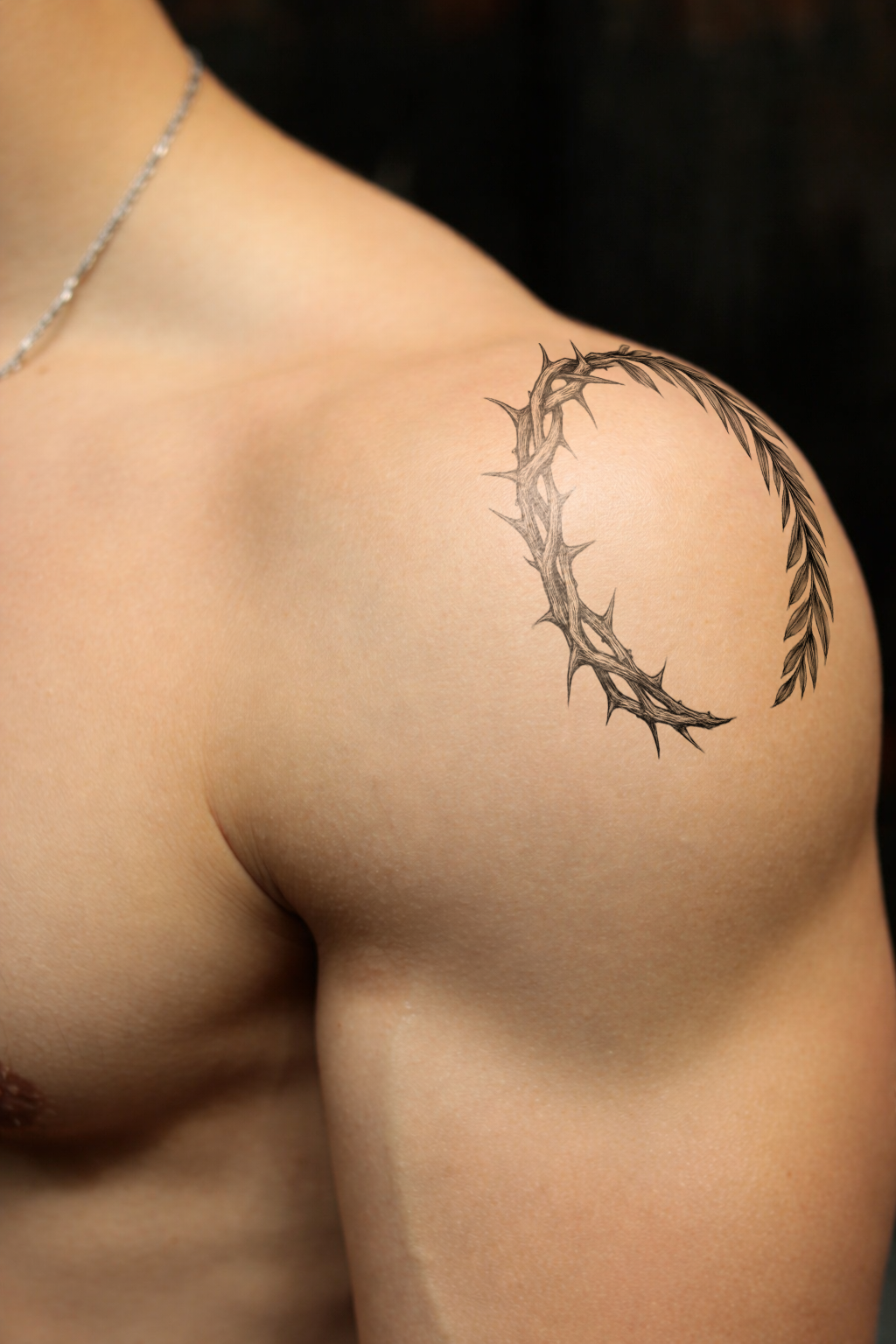
 BeforeAfter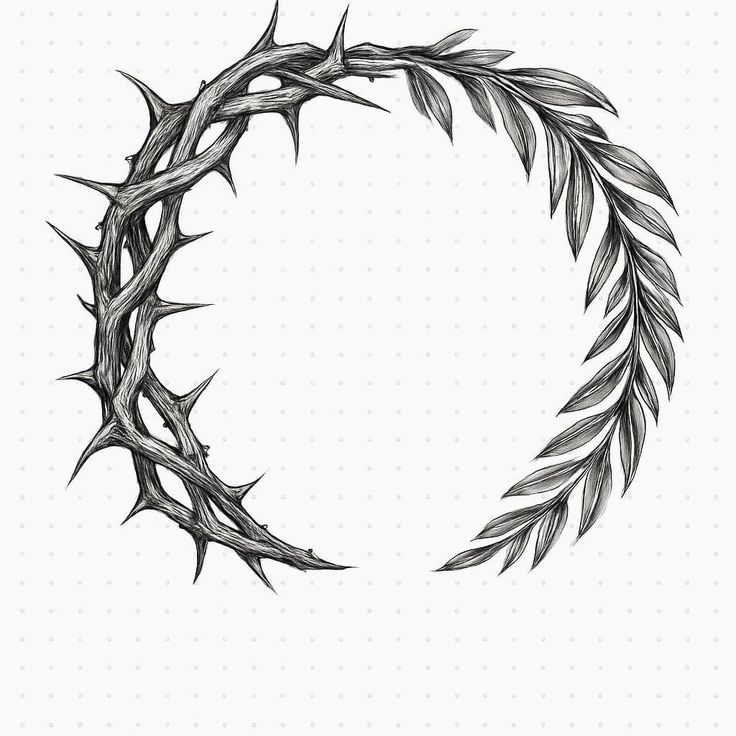
Preview by body part
The same design reads differently on every placement. Pick the spot you're considering — photo tips, pain notes, and a real preview example for each.
Guide
How to Choose Your Tattoo Size
Preview the same design at three sizes, compare screenshots, and convert the winner into real-world centimeters.
Guide
How to Show Your Tattoo Artist Exactly What You Want
Replace "about this big, right here" with a preview on your own body — what to bring to the consultation and how to hand it over.
Guide
Same Tattoo, Different Placement
Preview one design across several spots on your own photos, then use four questions to break the tie.
Guide
Why It Looks Inked, Not Stickered
How the blend feature follows your skin’s light — with an interactive demo of the A·B·C·D handles and the settings we recommend.
Why preview first?
Imagination and reality rarely match.
A tattoo stays with you for life. Picturing a design in your head — “this would look great right here” — is very different from how it actually sits on your skin. A drawing on paper is flat, but your body is curved, catching light and shadow, and the same design reads completely differently on a forearm than on a wrist.
That gap is where regret comes from. Size, angle, and placement are hard to judge until the design is actually on your body — and once it's there, changing your mind is costly. Cover-ups and laser removal take time, money, and more than a little pain, usually across several sessions. Deciding carefully the first time is by far the cheapest option.
Previewing first turns guesswork into a decision. You can settle on style, size, and placement with confidence, filter out impulse choices, and walk into your appointment able to show your artist exactly what you mean.
inkPEEK is built for that moment right before the needle. Put your design on a photo of your own body and see how it really looks — before it's permanent.
How it works
Not a flat sticker. inkPEEK reads the depth, light, and shadow of your photo and wraps the design to your skin.
Background removal
Your design is cut out automatically, leaving clean lines ready to place — no manual masking.
Depth estimation
AI reads the contours of your body photo — where the skin curves and where light falls.
Curve-aware compositing
The design is wrapped to that shape and angle, so it looks inked into the skin, not pasted on top.
Light & shadow blending
The design blends with your skin's natural highlights and shadows — like real ink reacting to light — so it sits in the skin, not just on its surface.
Under the hood, inkPEEK combines depth estimation, background removal, and luminance-based blending — which is why your design looks engraved into your skin rather than stuck on top. Your photos are processed securely and aren't stored by inkPEEK.
See it on real skin
Real previews made with inkPEEK — different body parts, different styles.
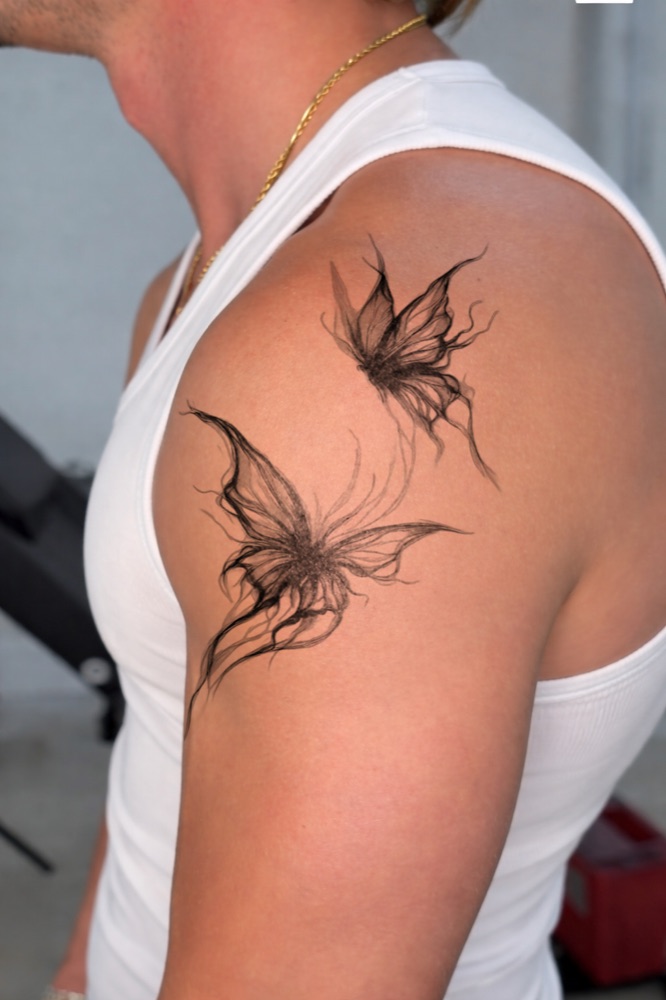 Shoulder
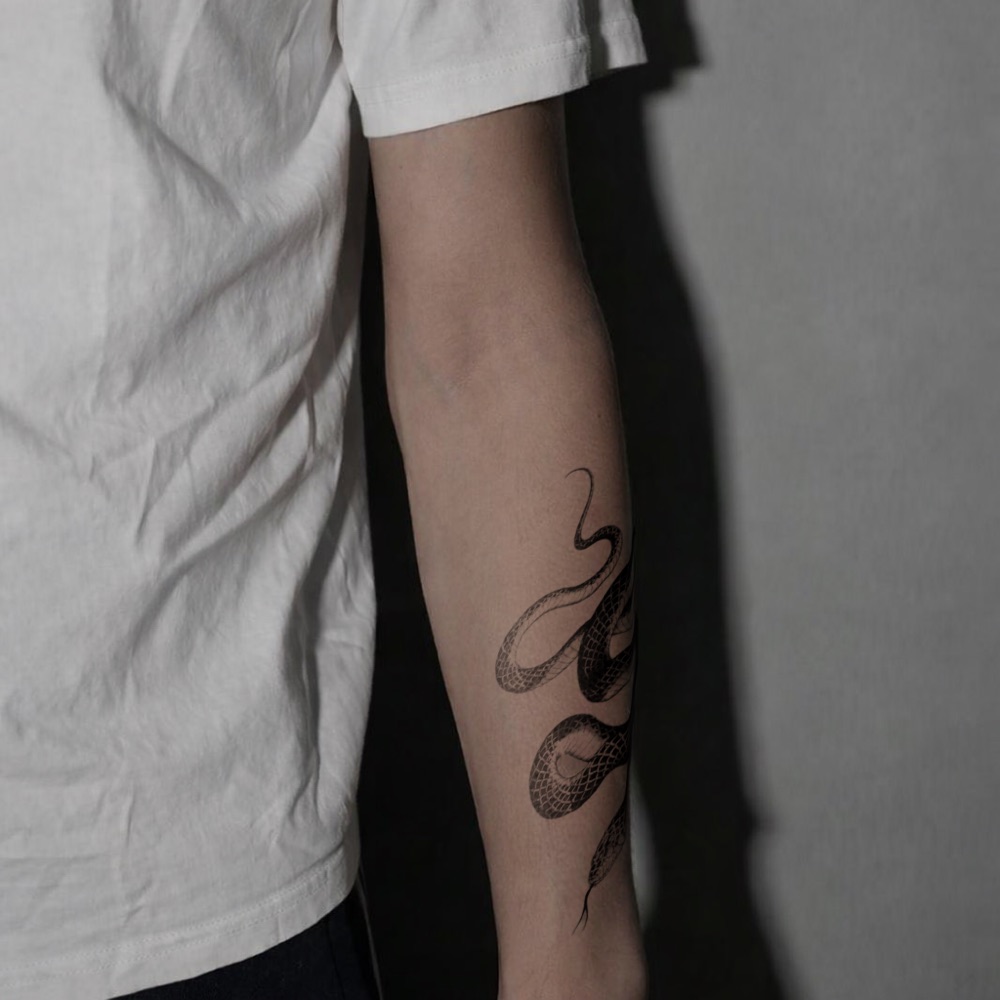 Forearm
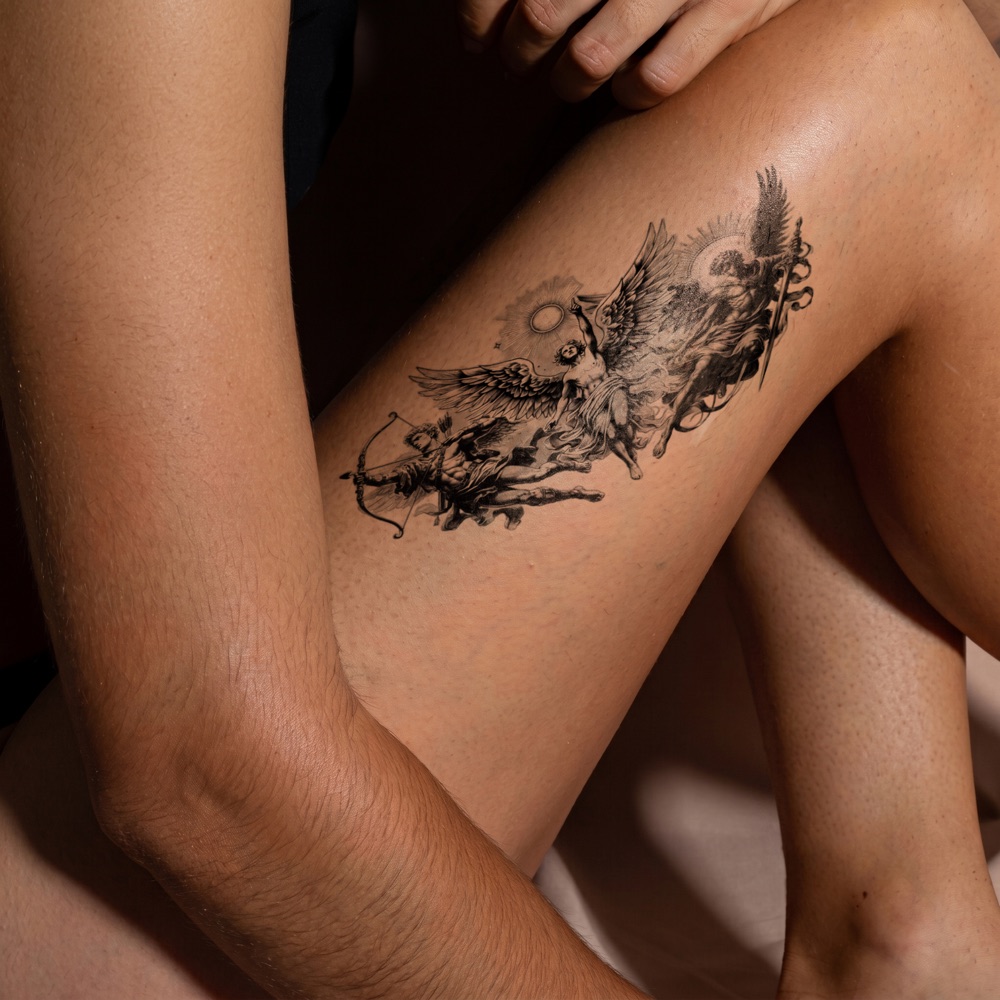 Thigh
Thigh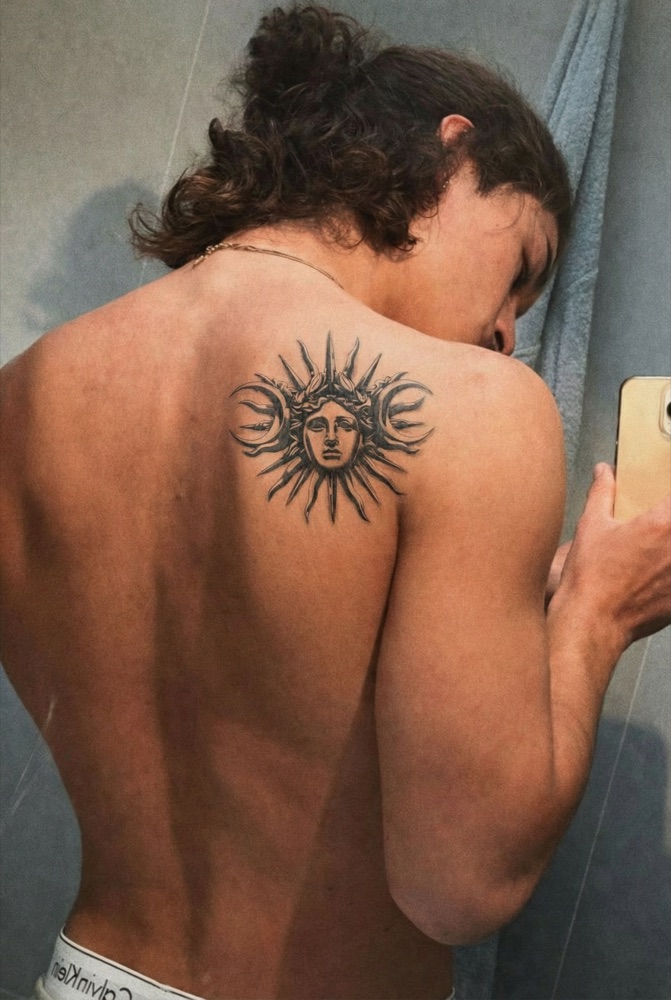 Back
BackTattoo styles
Not sure what look you want? Explore the main styles, then preview your favorite on your own skin.
Tattoo guides
Honest, practical reads to help you prepare for a tattoo and care for it for life.
FAQ
Quick answers before you try it.
Yes. inkPEEK is completely free to use — there's no payment, subscription, or trial. Upload your design and a photo, preview as many times as you like, and download the result at no cost.
No. inkPEEK works without any account, login, or email. Just open the site and start — there's nothing to register and no password to remember.
No. Your uploaded images are processed in memory and are never written to any database or permanent storage. They exist on our server only for the few seconds it takes to process a single request, and the result is sent straight back to your browser. The preview is kept only in your browser's session storage and is cleared when you close the tab. No one at inkPEEK reviews your uploads. See our Privacy Policy for full details.
You can upload PNG, JPG, or WEBP files for both your tattoo design and your body photo. For tattoo designs, the background is removed automatically, so you don't need a transparent file to start.
Just about anywhere — forearm, upper arm, thigh, calf, back, chest, and more. Because inkPEEK reads the depth of your photo and wraps the design to your skin, curved areas work just as well as flat ones — that's the whole point. For the most accurate result, the main thing isn't the body part but the photo itself: clear focus, even lighting, and the area you want to tattoo filling most of the frame. See our photo tips for a quick checklist.
Instead of pasting your design flat on top like a sticker, inkPEEK reads the depth and contours of your photo and wraps the design to match the curve and angle of your skin. Combined with automatic background removal and a realism mode that blends the design into your skin's natural light and shadow, this makes the design look inked into the skin rather than stuck on it.
Yes. inkPEEK runs in your web browser and is designed to work on both desktop and mobile — there's nothing to install. On a phone you can take a photo and preview right away.
Email us at inkpeek@gmail.com — for questions, feedback, bug reports, or privacy requests. You can also find more on our Contact page. We usually reply within 2–3 business days.
Ready to see it on your skin?
+ Start